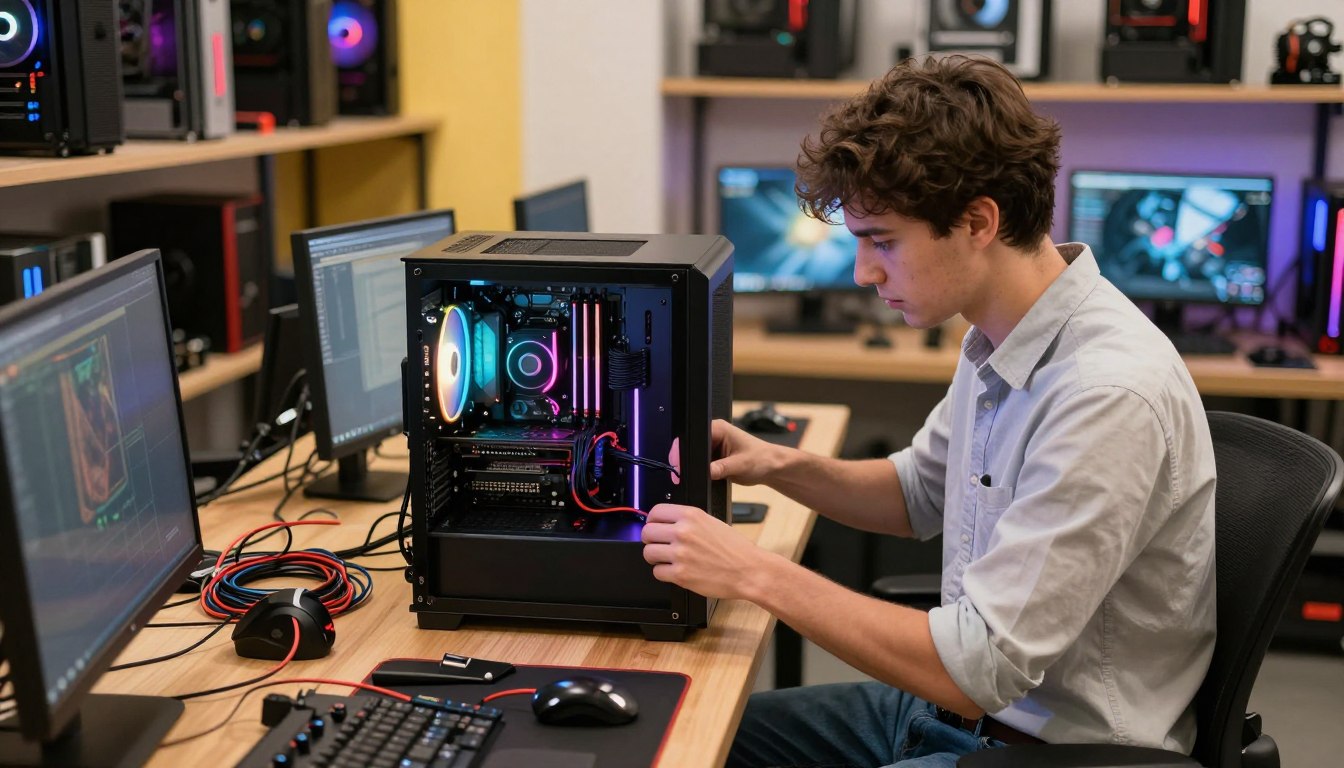

A PC-building business can work when it solves a specific buyer’s problem and charges enough for the builder’s time. You sell more than hardware: customers pay for tailored component selection, assembly, testing, and support. Enthusiasm for building helps, but a dependable customer base matters more.
A small business can serve gamers, creative professionals, or people who need a computer configured for a particular job. Before committing savings, validate demand and plan carefully for inventory that can lose value. You’ll also need clear processes for quoting work and helping customers after delivery.
A niche is a clearly defined group of buyers with similar needs and a reason to choose this builder. Use the steps ahead to assess whether your offer, cash flow, and service standards can support a lasting operation.
Key Takeaways
- Choose a customer group with a specific computer need.
- Test demand before committing savings to inventory.
- Budget for operating costs as well as components.
- Set written prices, order terms, and support expectations.
- Use repeatable build checks to catch errors before handoff.
- Let paid orders, not enthusiasm alone, guide growth.
Treat the first few orders as a test of demand, not proof that a full-time business is already viable.
Is there enough demand for your PC building business?
A viable market is a specific group of buyers willing to pay for a fit, service, or customization they cannot easily get from an off-the-shelf system. Start narrow, then see whether enough people nearby share that need.
Your first test is whether a reachable group will pay for your expertise, not whether the market sounds large. The global gaming-PC market was valued at roughly $70 billion in 2025, but that figure does not prove local demand.
Name the customer, the need, and the reason your offer wins before you spend money on stock.
Choose a buyer with a clear need
Compare local interest in gaming, creator, and office systems. Ask which people need better performance, a quiet setup, a compact case, or help configuring specialized software.
Look at the questions people raise in build communities and at completed-build galleries. Repeated requests for the same features can reveal a practical opening, while praise alone may not show willingness to pay.
Compare your offer with established PC brands
Worldwide PC-vendor unit shares in 2025 show the scale of established brands:
| Worldwide PC brand | 2025 unit share |
|---|---|
| Lenovo | 27.2% |
| HP | 21.3% |
| Dell | 15.3% |
| Apple | 9.2% |
| Asus | 6.9% |
Large brands set a tough benchmark for price and support. A small builder can compete through a specialized configuration, case customization, setup, and responsive service.
A 2026 survey of more than 2,000 readers found that 22% preferred building a desktop over buying a name-brand system. In that survey, Alienware led overall desktop satisfaction; Apple and MSI tied for second.
MSI led gaming desktops for the third consecutive year, while Apple led all-in-ones and Dell led Windows-based all-in-ones. These results separate product categories rather than declaring one brand best for every customer.
Before buying inventory, be able to name the customer, the need, and the reason that customer would choose you over a major brand.
How to Start a PC Building Business: What Belongs in the Plan?
A business plan should show who will buy, what each build costs, and how the business will stay funded between orders. Write the numbers down before committing money, so a weak estimate does not become an expensive mistake.
A startup budget is estimated at $6,000-$18,000, but your actual needs depend on your operating model. Working from home, holding stock, or building only to order changes what you must pay upfront.
Build a startup budget around real costs
Use these ranges to make an initial business plan. They are planning estimates, not promises that every builder can start at the low end.
| Cost category | Planning range | What it covers |
|---|---|---|
| Initial inventory | $5,000-$15,000 | Popular components |
| Tools | $200-$500 | Assembly equipment |
| Business formation | $100-$800 | Registration costs |
| Website and e-commerce | $500-$2,000 | An online presence |
Build the forecast around real parts and the time each job takes. Include fixed expenses, per-build costs, and likely periods with no sales.
Set aside 3-6 months of working capital as a planning target. A reserve of $3,000-$7,000 can help cover operating costs and unexpected expenses, though actual needs differ.
Choose funding without overborrowing
Self-funding avoids loan payments, but it can expose personal savings to unsold hardware and slow sales. Borrow only when a realistic repayment plan fits your expected cash flow.
SBA Microloans can reach $50,000, with an average loan of about $13,000. Interest rates generally range from 8%-13%, and a personal credit score above 650 is usually needed.
Before seeking money, make three planning tasks concrete:
- Document target builds and their prices.
- List local and national competitors.
- Estimate fixed costs and costs for each build.
Keep cash for operating costs and unexpected expenses instead of putting the entire startup budget into parts.
What legal steps and insurance should you check in your state?
Registration, tax, and permit rules depend on where the business operates, so verify them with the state and local authorities before taking paid orders. Check before launch, because state and city rules can differ.
An LLC, separate business bank account, and free federal EIN application are common setup steps. An LLC does not replace accurate records, tax duties, or insurance.
Set up the business and tax registrations
Use this list to organize the basic checks for your state and locality:
- Entity registration with the appropriate state office.
- Federal EIN application through the IRS.
- Sales-tax registration with your state revenue department.
- Local licensing with city and county authorities.
Ask the state revenue department whether computer sales, setup, or other services are taxable. Check its rules for sales tax and resale certificates before handling customer orders.
Then contact the city and county about a business license and any home occupation permit. A local general business license often costs $50-$100 per year, but fees and rules vary.
Cover liability and property risks
General liability can address certain claims involving injury or property damage. A $1 million policy can cost $250 to over $3,000 annually, depending on risk and insurer terms.
Professional liability can apply to claims tied to workmanship or advice. A similar $1 million policy is estimated at $500-$1,000 per year, with coverage and price set by the insurer.
Commercial property coverage can protect business inventory and equipment. If you hire employees, check workers’ compensation rules and coverage requirements in your state.
Ask an insurance professional to match coverage to the actual workspace, inventory, customer visits, and services offered.
What do you need to build PCs from home?
A clean corner of a spare room or garage can be enough to begin, provided it is organized, safe for components, and allowed by local rules. Workable beats showy when you are setting up a home operation.
A 100-150-square-foot workspace is a reasonable planning range for a new builder. Actual room and tool needs depend on work volume and whether customers visit.
A clean, well-lit, static-conscious work area matters more than showroom equipment. A stable surface and organized tools make building computers easier to manage through a busy day.
A 6-foot anti-static workbench is estimated at $400-$800. A precision toolkit typically costs $75-$100, while an electric air duster is about $50-$60.
Cable ties or hook-and-loop straps help keep cables neat; plan about $50 for cable-management supplies. Anti-static protection should suit the components and the work surface.
Starting a PC building business from home can work from a dedicated workspace if local rules permit it. Residential zoning does not automatically allow every type of business, so confirm home-occupation rules with your city.
Customer visits may require a different layout from a room used only for assembly. Keep food, drinks, pets, and loose packaging away from the active build surface.
How can you buy parts without tying up too much cash?
Buying parts to match approved orders is usually safer for a new builder than stocking a wide range of expensive components. Buy with a reason, since hardware can lose value when newer products arrive.
Order high-cost or niche components after a customer commits, rather than tying up cash in speculative stock. Small-order accounts can make that possible, though their prices may not match wholesale rates.
Source components to match each order
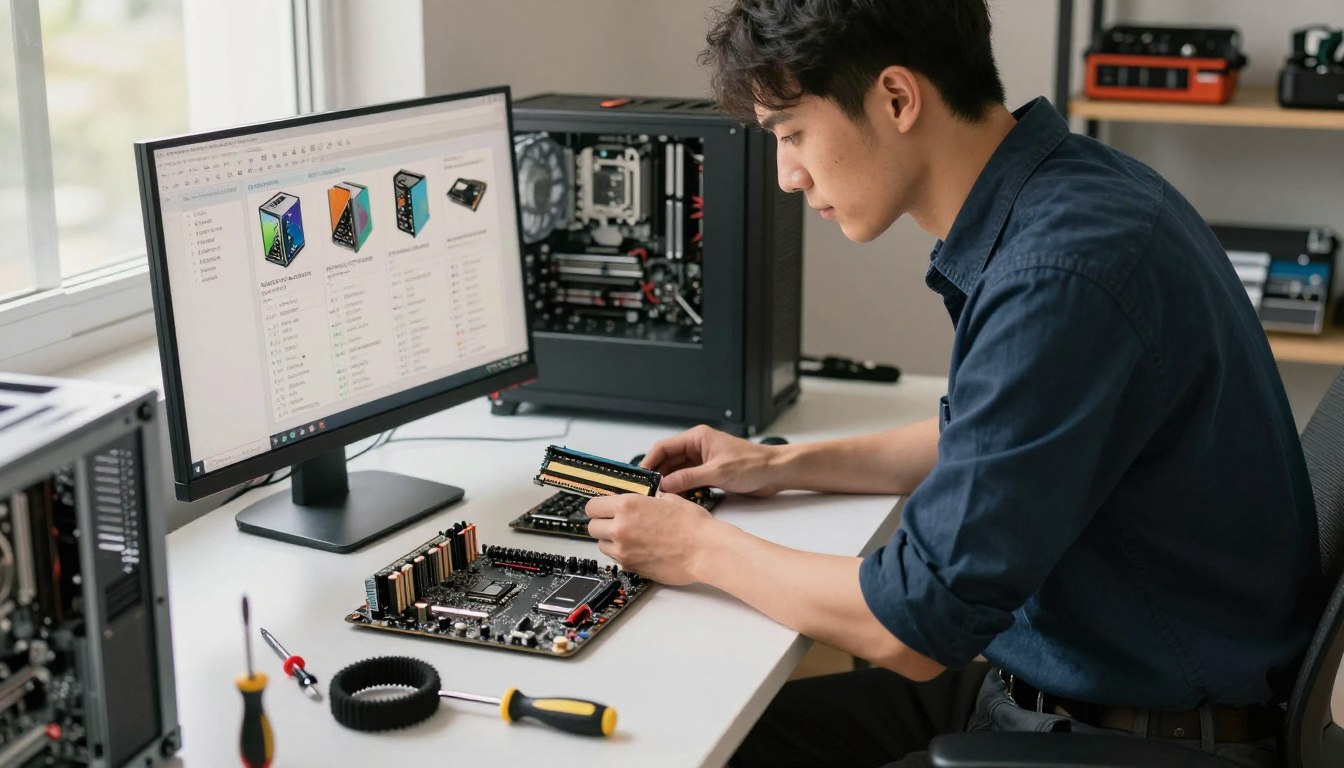
Buying as needed can preserve cash while you learn which configurations customers want. Wholesale pricing may become useful after sales volume is reliable, but distributors may require initial orders over $1,000 or monthly revenue commitments.
Those terms can be hard for a new business to meet. Compare the savings with the cash you must commit, the risk of unsold parts, and the time required to manage stock.
A 2026 gaming-PC parts list was priced at $924 before RAM pricing. It included an AMD Radeon RX 7600 listed at $339, plus these components:
- Intel Core Ultra 250K Plus processor.
- ASRock B860 Rock Wifi 7 motherboard.
- AMD Radeon RX 7600 graphics card.
- 512GB Patriot P300 SSD.
- 650W MSI power supply.
- 16GB DDR5 memory.
The separately listed 16GB V-Color Manta XSky DDR5-6000 CL36 memory cost $258 and was excluded from the $924 total. Operating-system and peripheral costs were excluded too.
The build was described as capable of solid 1080p gaming. It is a useful example of how a parts total can change once memory and other costs enter the quote.
Keep only useful stock on hand
Hold fast-moving basics only when actual demand supports them. Avoid niche high-end stock until a customer has committed, since costly parts can sit while newer models arrive.
Check component compatibility and current availability again before placing each order, because a saved parts list can go stale.
How should you price builds and protect cash flow?
A sound quote charges for the work as well as the components, so a parts-only comparison can hide an unprofitable build. Price the whole job, including the time customers do not see.
Collect a deposit before ordering parts so you are not financing a customer’s build yourself. Written payment and cancellation terms help both sides understand what happens if plans change.
Compare cost-plus pricing with a fixed build fee
Cost-plus pricing adds a markup to component costs to cover labor and business expenses. A fixed build fee sets one labor charge, with the amount adjusted for complexity.
| Pricing approach | How it is calculated | Concrete reference |
|---|---|---|
| Cost-plus | 15%-25% markup | $1,500 parts plus 20% equals $300 |
| Fixed build fee | Based on complexity | $200-$500 |
| Custom desktop assembly labor | Listed starting price | Starting at $249.99 |
A custom desktop assembly service lists labor starting at $249.99. Treat that as a market reference, not a recommendation for your own price.
Your final quote should account for labor hours, shipping, software licensing, tax obligations, payment-processing costs, and support time. A low price can leave little room for a complicated setup or a customer’s extra questions.
Set payment terms before ordering
One suggested structure is 50% before ordering and the remaining 50% on completion or delivery. Choose terms that fit your service and explain when each payment is due.
Put cancellation and refund terms in writing before taking payment. Check applicable consumer laws before calling any deposit non-refundable.
Recalculate the quote if a customer changes a component, because the new part can affect compatibility, labor, and delivery cost.
What should every build and quality check include?
A written checklist makes each computer easier to inspect and helps prevent a small assembly mistake from becoming a customer problem. Document the work, not just the finished look.
Record component models and serial numbers, then keep the test results with the order. Testing can find faults before delivery, but it cannot prevent every hardware failure.
Assemble and document the system
Use the approved specification to guide assembly. Record the exact parts installed, including model names and serial numbers, so you can identify a component later.
Assemble carefully, manage cables, and set up the operating system with a valid license. A complete custom-build service can include assembly, cable management, stress testing, and a ready-to-use handoff.
Keep the customer handoff clear: document what was installed, what was tested, and any known warranty limits. Manufacturer coverage can have limits that differ by component.
Test stability before handoff
Use three distinct checks as part of a repeatable process:
- Run a CPU stress test in Prime95 for at least 60 minutes.
- Test the GPU in FurMark for the same duration.
- Use MemTest86 to check RAM stability.
Record the results and explain that testing does not eliminate the chance of later failure. Manufacturer warranties apply under their own terms, separate from your assembly work.
A suggested RMA-rate target is below 5%, but it is a planning signal, not a guarantee. If returns rise, pause growth and look for a recurring assembly, compatibility, or component issue.
Keep each system’s test results and component serial numbers with its order record.
How can you find customers and earn repeat business?
Customers are more likely to trust a builder when they can see finished systems, careful cable management, and a clear explanation of what the service includes. Show the actual work instead of relying on polished claims.
Visible proof, clear service details, and an easy way to request a quote are the foundation of online outreach. Starting a PC building business online does not require viral posts or expensive ads.
Show real builds through useful content
Post useful photos and short videos on Instagram, TikTok, or YouTube Shorts. Explain a component choice, show a completed case, or describe what a customer’s setup includes.
A steady portfolio can be more useful than one popular post. Documenting one build per week gives prospective customers a regular view of your work and decisions.
Make the service description specific and give people a clear way to request a quote. Useful content answers basic questions before you spend time on a phone call.
Build trust in communities and local channels
Join relevant PC communities by answering questions and sharing useful experience. Avoid unsolicited ads, which can damage trust and may violate community rules.
Local listings and word of mouth can bring customers who prefer a nearby builder. A helpful handoff and responsive follow-up can make a satisfied customer more likely to recommend your service.
Customer acquisition cost means the cost of winning one paying customer. A suggested target below 10% of the PC sale price would mean spending no more than $200 to win a customer on a $2,000 build.
Treat that percentage as a planning benchmark, not a guarantee. Track which channel produced each inquiry so time and advertising money go toward sources that lead to paid orders.
When should you expand services or hire a PC Build Technician?
Add capacity when a reliable order flow is exceeding the builder’s available time, not simply because a busy month feels encouraging. Watch the pattern across several weeks before adding a regular expense.
Five to ten builds per month, or a queue consistently over two weeks, can signal that part-time help is worth considering. These are planning markers, not fixed hiring rules.
Add repairs and support where customers need them
Repairs, diagnostics, upgrades, setup, and support can create repeat work alongside custom builds. Add only services the builder can deliver well and support without weakening build quality.
Service work may also help customers return when they need a new component or a system adjustment. Keep the offer clear, so customers know what help is included and what requires a separate quote.
Hire when order volume strains the process
A first part-time PC Build Technician may make sense around 5-10 builds per month. A suggested pay range is $20-$25 per hour, adjusted to the role and local labor market.
Look for hands-on build experience and sound quality-control habits. A CompTIA A+ certificate can be a plus, but it does not replace demonstrated ability.
One full-time technician per $150,000-$200,000 in annual revenue is only a planning estimate. A consistently over-two-week build queue can also point to capacity strain.
Inventory software may become useful beyond 15 builds per month, when manual tracking takes more time and makes stock harder to follow.
Review labor costs and delays before hiring, then use the actual backlog to set the role’s hours.
What should you agree with a customer before taking an order?
A customer should know exactly what is being built, what it costs, and what help is included before the builder orders a single part. Put the details in writing to reduce avoidable disputes.
Get two written approvals before buying parts: one for the final specification, and one for price, schedule, and cancellation terms. A phone conversation can clarify details, but the approved record should be written.
List the exact parts and any substitutions the customer permits. State whether delivery or pickup is planned, what installation includes, and how customer data will be handled.
Agree who will handle warranty claims if a component fails. A manufacturer’s parts warranty is separate from the builder’s labor or support terms, and the builder cannot promise an outcome controlled by the manufacturer.
Set out the schedule, the full price, and the cancellation terms in plain language. Customers should know what happens if a requested change affects the parts or delivery date.
Keep manufacturer warranty coverage separate from your own labor and support promises.
Put a business email and phone number on the quote, and say how customers can report a problem. A clear contact route matters after the computer leaves the workbench.
Keep the approved quote and final handoff record together so both sides can check what was agreed.
Conclusion
A custom PC business is strongest when customers can explain why they chose the builder instead of a standard system. A focused customer group, careful cash management, and reliable support give a small operation a better chance than trying to undercut major brands.
Write a one-page offer for a specific customer and ask prospective customers whether they would pay for it before purchasing stock. Listen for clear needs and real interest, not polite encouragement.
Start by testing one clear offer with a real prospective customer, then let the response guide the next investment.
FAQ
Where do I start to build a PC?
Start by matching your budget to the computer’s intended use, then check that the components are compatible. Assemble carefully and test the finished system before using it. A gaming computer, office machine, and creator workstation can need different parts, so choose around the work the computer must handle rather than buying components by brand alone.
How much RAM do you need for a business computer?
For typical office work, 16GB of RAM is a practical starting point. Consider 32GB if you regularly multitask across many applications, work with large files, or use demanding professional software. The right amount depends on the programs and files you handle, so check the software’s needs before setting a standard for every computer.
Is $700 enough for a gaming PC?
Sometimes, but $700 is below the 2026 example’s $924 total before its separately priced $258 RAM. That parts list also excluded operating-system and peripheral costs. Lower-cost or reused components can change the total, while the games and performance you expect will shape what parts make sense. Set a full-system budget, not just a parts budget.
Which is no 1 PC company?
Lenovo was number one by worldwide PC-vendor unit share in 2025, at 27.2%. That ranking measures unit share, not customer satisfaction or quality for every use. A customer choosing a computer should also consider the system’s purpose, price, support, and specific configuration, rather than treating market share as a universal buying recommendation.
What are the top 3 PC brands?
By worldwide PC-vendor unit share in 2025, the top three were Lenovo, HP, and Dell. Their shares were 27.2%, 21.3%, and 15.3%, respectively. Those figures describe worldwide vendor units, not a ranking of every model or product category. A gaming desktop and an office laptop can have very different strengths.
Is Dell Chinese or American?
Dell is an American company. Michael Dell founded it in Austin, Texas, on May 3, 1984. Dell Technologies owned Alienware in 2026. A company’s home country does not by itself identify where a particular computer or its components were manufactured, so check the model’s own origin statement when that detail matters.
Are any computers made in the USA?
Some computers are assembled in the United States, but the components can come from different countries. Check the origin statement for the specific model rather than assuming every part was made in the same place. Assembly location and component origin are different details, and the product’s own labeling is the most relevant guide for a particular purchase.
If you want to dig further into what do you understand by term computer netwo, read our What Do You Understand by Term Computer Netwo guide.
If you want to dig further into what is tcp and udp in computer network core, read our What is TCP and UDP in Computer Network Core guide.
If you want to dig further into how to create computer network for small busi, read our How to Create Computer Network for Small Busi guide.

 By
By